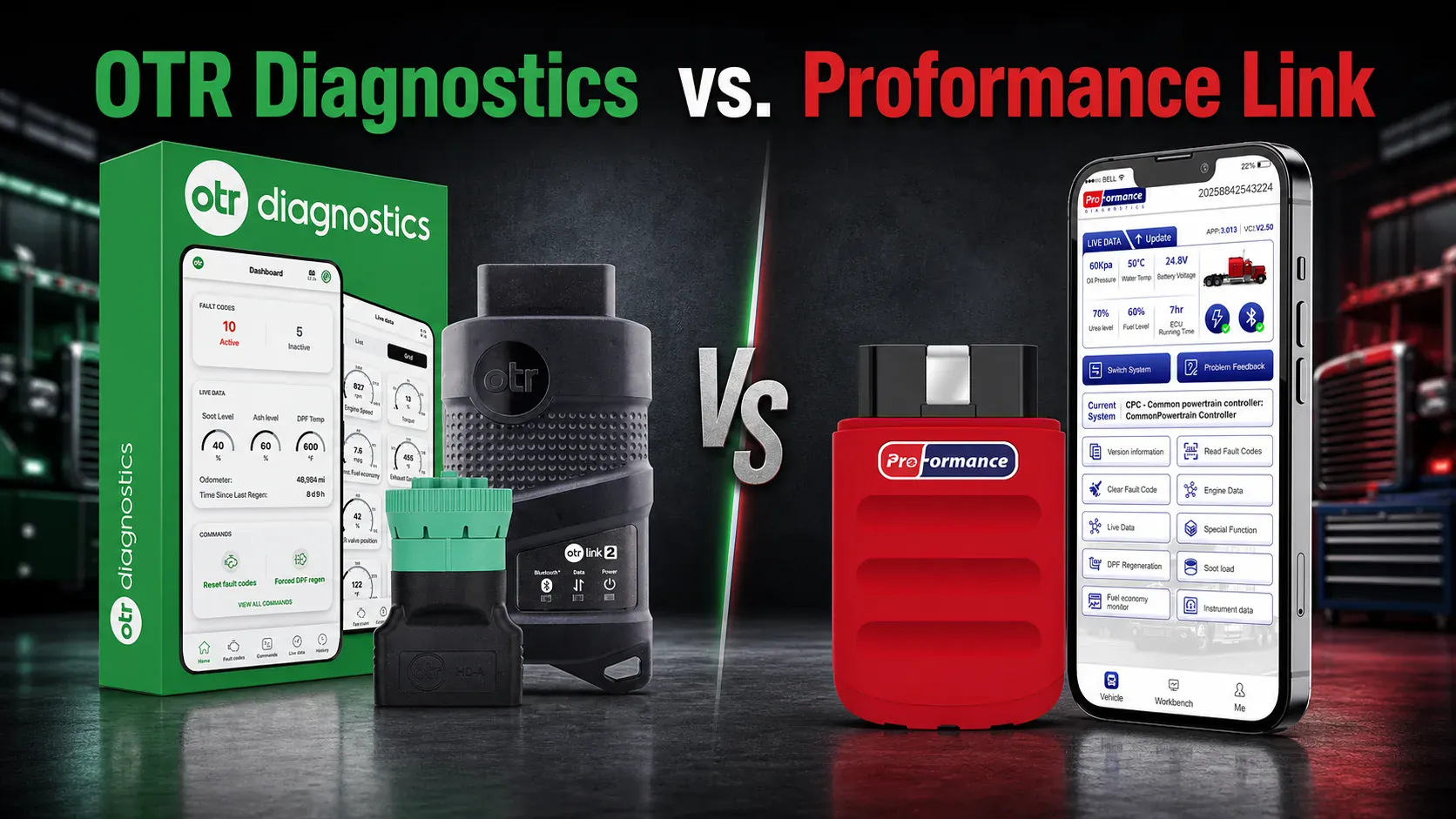
OTR Diagnostics vs. Proformance Link
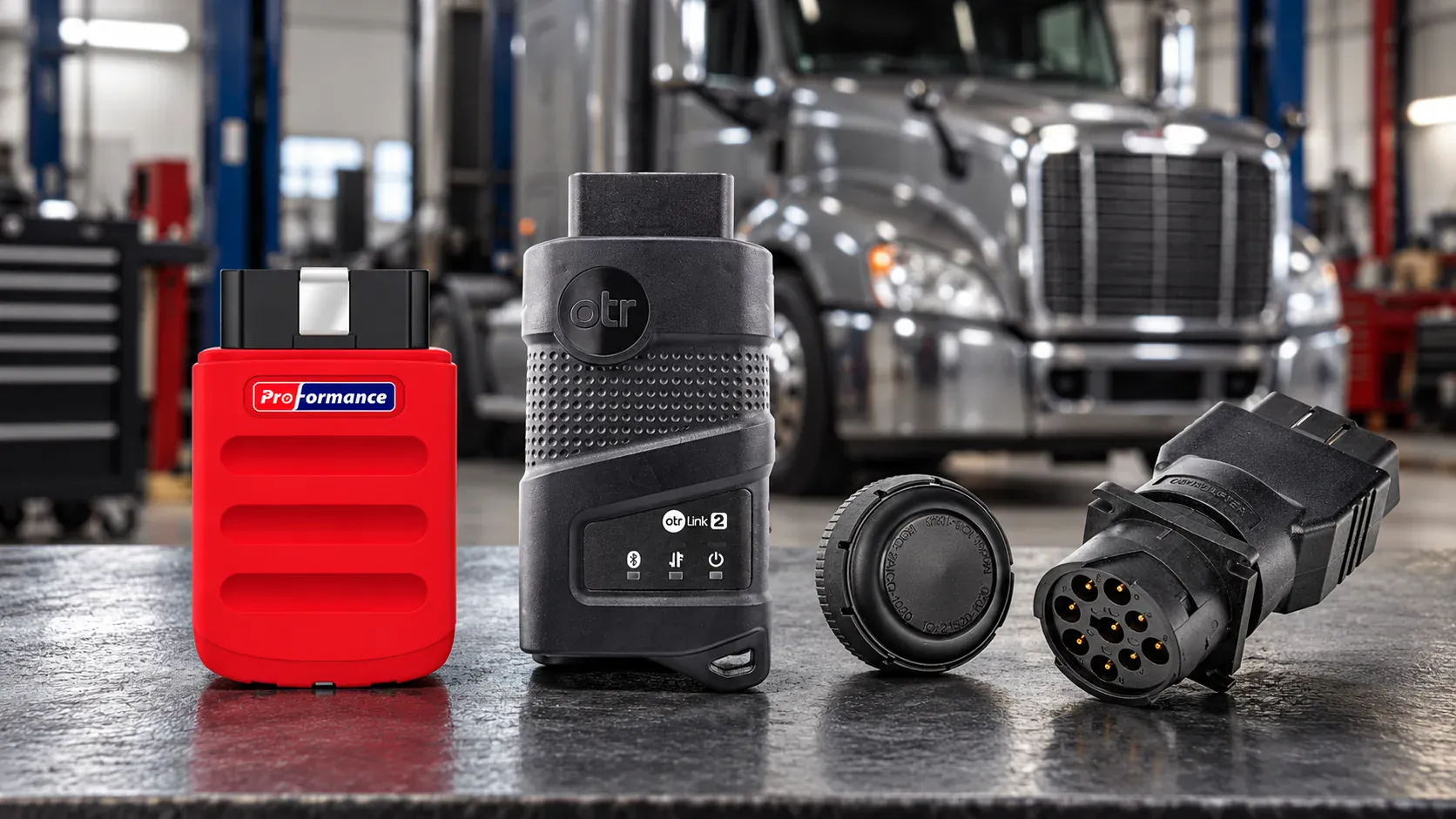
OTR Diagnostics and Proformance Link are mobile diagnostic tools for heavy-duty trucks. Both allow an owner-operator or technician to connect at the vehicle, read fault codes, view live data, reset supported derates, and perform commands such as forced DPF regeneration.
However, the two products are not designed around the same diagnostic depth. Proformance Link goes beyond common J1939 diagnostics by providing advanced OEM-level system access and manufacturer-specific service functions on supported vehicles. OTR Diagnostics is primarily focused on J1939-based engine and aftertreatment diagnostics.

The Main Difference: OEM-Level Diagnostics vs. J1939
J1939 is an important heavy-duty vehicle communication standard. It provides access to common engine and aftertreatment fault codes, operating data, and supported commands.
Proformance Link adds another level of diagnostic capability by accessing supported OEM systems and manufacturer-specific functions. This can give technicians more options when a repair requires more than standard engine data or a basic reset.
| Diagnostic Area | Proformance Link | OTR Diagnostics |
|---|---|---|
| Primary diagnostic approach | Advanced OEM-level system access | Primarily J1939-based diagnostics |
| Engine and aftertreatment data | Supported | Supported |
| Standard heavy-duty fault codes | Supported | Supported |
| Manufacturer-specific systems | Broader OEM-specific coverage | Limited compared with OEM-level access |
| OEM special functions | Available on supported vehicles | Focused on commands available within its coverage |
| Advanced service tests | Multiple OEM-level tests and resets listed | Varies by engine and J1939 implementation |
| Diagnostics beyond J1939 | A key product advantage | Not the primary product focus |
Core Functions Both Products Provide
Both products cover many common diagnostic tasks performed while the user is physically at the truck.
| Feature | Proformance Link | OTR Diagnostics |
|---|---|---|
| iOS and Android app | Supported | Supported |
| Bluetooth connection | Supported | Supported |
| Read active fault codes | Supported | Supported |
| Read inactive fault codes | Supported | Supported |
| Clear fault codes | Supported | Supported |
| Fault-code information | Supported | Supported |
| Live engine data | Supported | Supported |
| Forced DPF regeneration | Supported vehicles | Supported vehicles |
| Reset codes and derates | Supported vehicles | Supported vehicles |
| Bi-directional commands | Supported vehicles | Supported vehicles |
| Diagnostic history | Cloud history | Cloud history |
The difference becomes more noticeable when the job requires OEM-specific systems, special tests, and advanced reset functions.
Where Proformance Link Goes Further
Proformance Link is designed for users who need more than a basic code reader or J1939 scan tool. On supported vehicles, it provides OEM-level access to additional systems and service functions.
Publicly listed Proformance Link functions include:
- DPF soot-load status
- DPF ash and soot reset
- DEF Quantity Test
- DEF Dosing System Test
- SCR Efficiency Test
- Actuation Tests
- PRV Reset
- Service Light Reset
- Vehicle Speed Modification
- Fuel Economy Monitor
- Vehicle Operating Conditions
- Instrument Data
- Dashboard Indicator Guide
- DTC Troubleshooting Guide
These capabilities make Proformance Link better suited to technicians, owner-operators, and fleets that want deeper troubleshooting and more service options from one mobile platform.
Function availability depends on the vehicle, engine, ECU, model year, and software version. Use the coverage checker to confirm the exact functions available for a specific truck.
Proformance Link Training and Support Tools
Proformance Link also includes tools designed to make advanced diagnostics easier to learn and use.
| Proformance Link Tool | Availability |
|---|---|
| Demo Mode | Included |
| iPad-optimized interface | Included |
| Ford vehicle demonstrations | Five demo models |
| Transmission demonstrations | Included in supported Ford demonstrations |
| ABS demonstrations | Included in supported Ford demonstrations |
| In-app Help Center | Included |
| In-app Video Center | Included |
| Dashboard Indicator Guide | Included |
| DTC Troubleshooting Guide | Included |
Demo Mode Improvements
The June 2026 update added:
- An optimized iPad interface
- A simplified Demo Mode workflow
- System switching from the Demo Mode home page
- Five Ford vehicle demonstrations
- Transmission demonstrations for each supported Ford model
- ABS demonstrations for each supported Ford model
- Help Center and Video Center buttons
What OTR Diagnostics Offers
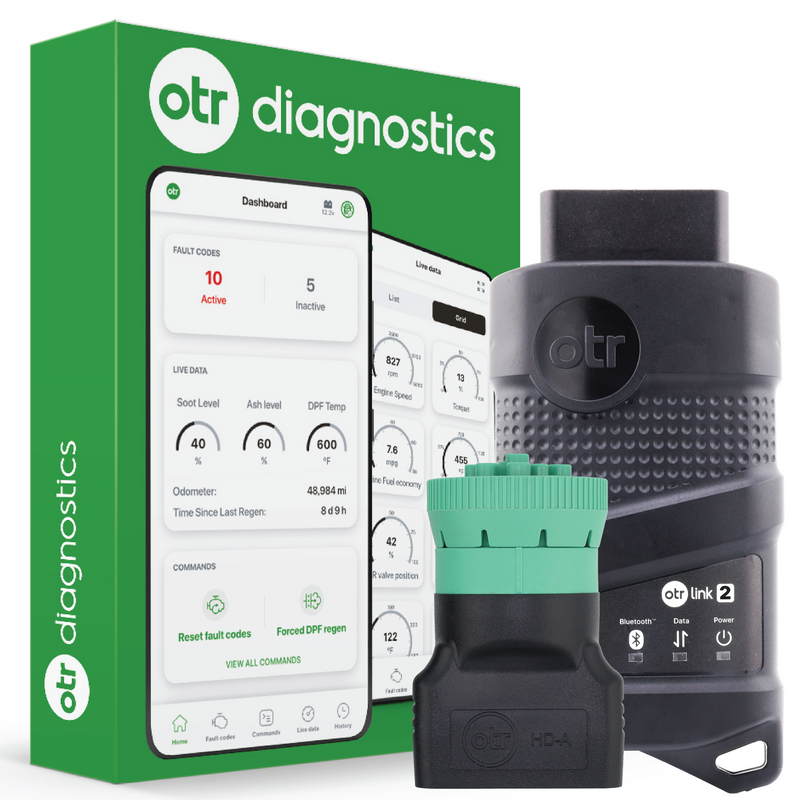
OTR Diagnostics is primarily focused on J1939-based engine and aftertreatment diagnostics through the OTR Link 2 adapter.
Its publicly promoted features include:
- Active and inactive fault-code reading
- Detailed fault descriptions
- Live engine and aftertreatment data
- Forced DPF regeneration
- Fault-code and derate resets
- Supported bi-directional commands
- Vehicle Health Reports
- Cloud-based fault and command history
- OTR Assist AI Diesel Tech
The AI assistant and Vehicle Health Report may appeal to users who prioritize guided information and reporting. However, these tools should not be confused with broader OEM-level system access. Available parameters and commands still depend on the engine, model year, vehicle configuration, and OTR coverage.
Which Product Should You Choose?
Choose Proformance Link If You Need
- Advanced OEM-level diagnostic access
- Manufacturer-specific systems and special functions
- More than basic J1939 engine and aftertreatment diagnostics
- Advanced DEF, SCR, and DPF service functions
- Actuation tests and specialized reset functions
- Built-in training demonstrations
- In-app Help Center and Video Center access
- A mobile diagnostic platform that can support more advanced troubleshooting
Consider OTR Diagnostics If You Mainly Need
- J1939-based engine and aftertreatment diagnostics
- Common fault-code reading and clearing
- Live engine data
- Supported forced DPF regeneration and derate resets
- AI-assisted fault information
- Vehicle Health Reports
Connection Requirements
Proformance Link and the standard OTR Diagnostics product are locally connected mobile diagnostic tools. For both products, the adapter must be connected to the truck and the user must operate the app near the vehicle.
Proformance Link does not support remote diagnostics. Cloud-based diagnostic history stores previous records, but it does not allow a technician to control or diagnose the truck from another location.
OTR sells a separate cellular fleet product named OTR Remote Diagnostics. That service is different from the OTR Diagnostics and OTR Link 2 product compared in this article.
Vehicle Compatibility
Diagnostic coverage depends on:
- Vehicle year
- Vehicle make and model
- Engine manufacturer
- ECU software
- Emissions configuration
- Regional vehicle specification
- Active membership or plan
Get Started with Proformance Link
If you need deeper OEM-level diagnostics, advanced service functions, and built-in training resources, Proformance Link is the recommended choice in this comparison.
- Check Proformance Link compatibility
- View Proformance Link product details
- Visit the Proformance Link Help Center
Sources
This comparison is based on publicly available product information accessed in July 2026:
- Proformance Link official product page
- OTR Diagnostics official product page
- OTR Diagnostics product overview
- OTR Remote Diagnostics vs. OTR Diagnostics
Product information, plans, promotions, and supported functions may change. OTR Diagnostics, OTR Link 2, OTR Remote Diagnostics, and related names are trademarks of their respective owners.